Docs
How to run Verbiflow, step by step.
Practical guides for getting set up: connecting your accounts, creating senders, and getting sequences out the door.
Getting started
01 · Getting started
3 min
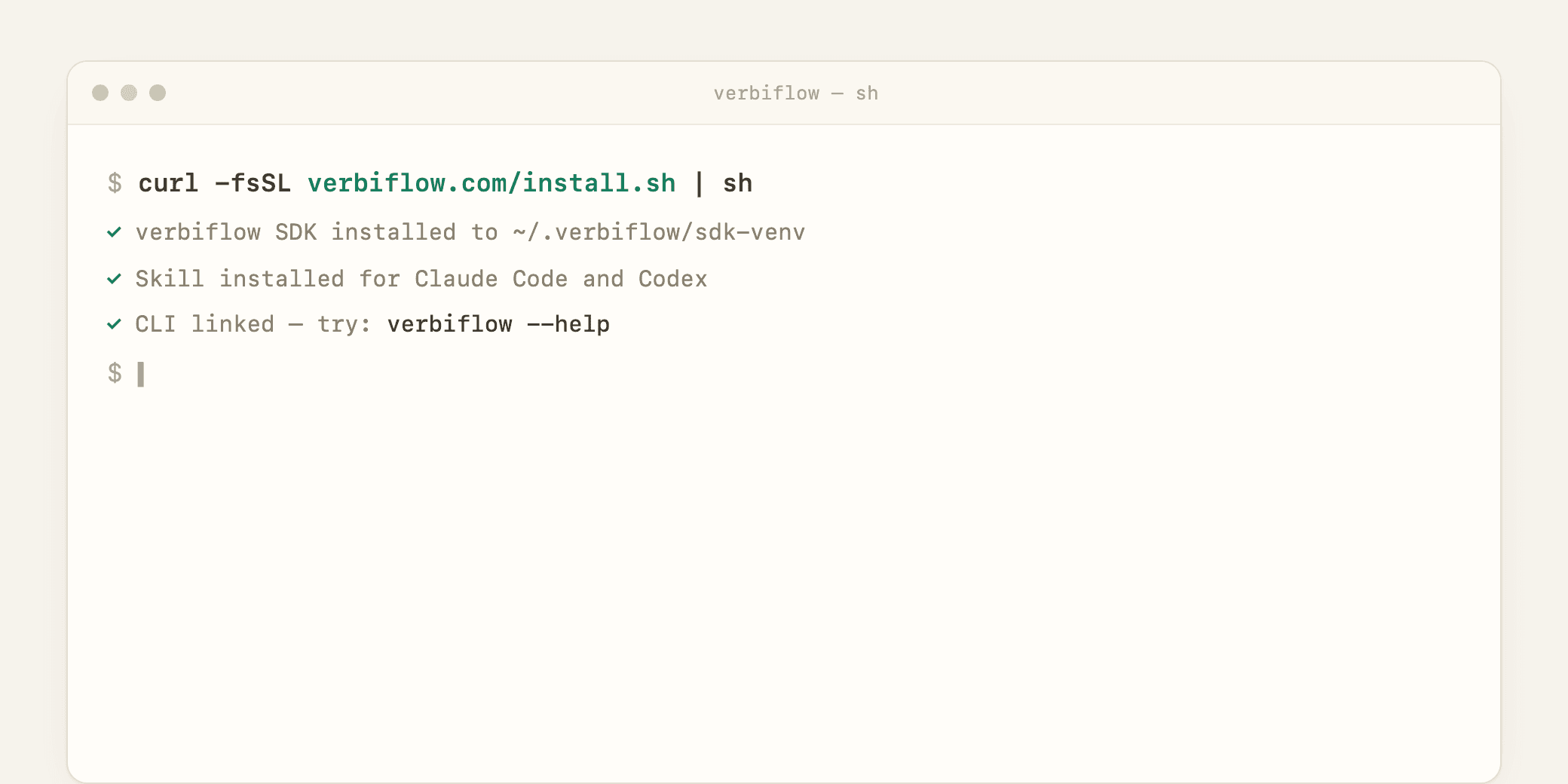
Install the Verbiflow SDK
Connect your coding agent to Verbiflow’s research, data, and outreach tools. Install the SDK, sign in, and verify your workspace.
02 · Getting started
5 min
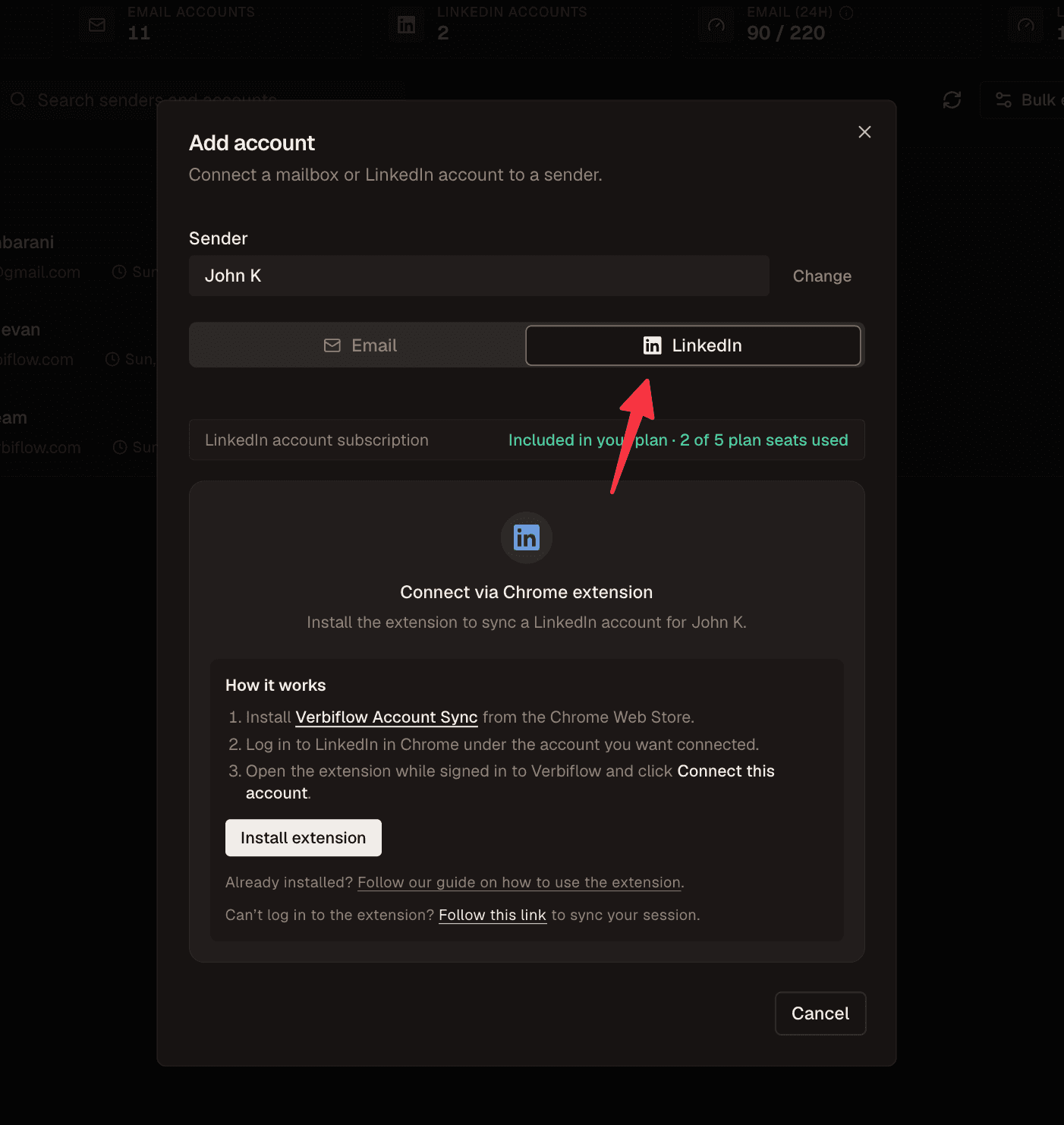
Connect your LinkedIn account
Link your LinkedIn account to Verbiflow so your sequences can send connection requests and messages on your behalf.
03 · Getting started
6 min
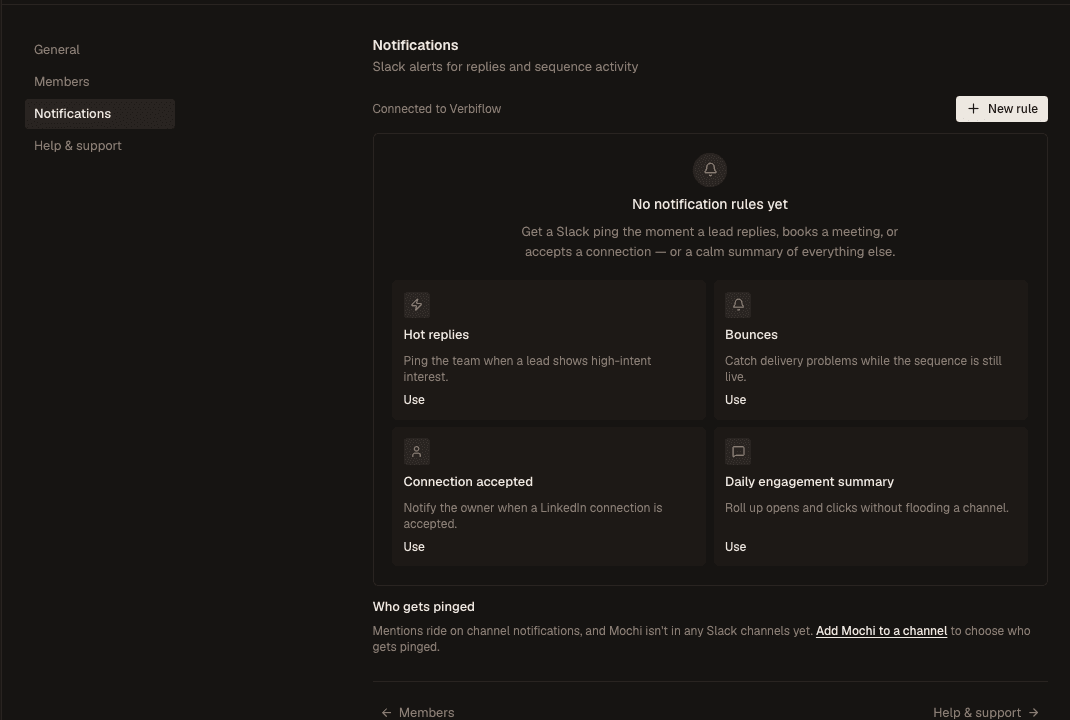
Set up Slack notifications
Connect Slack and create focused alerts for replies, meetings, bounces, connection accepts, and sequence activity.